
Your MCP server answers. Is your Google submission ready?
November 3, 2026 · JustHandled Labs Fieldnotes
A server can answer the first request, list its tools, and still be missing the one file that proves you control the domain. Those are three different questions. Test them separately.
On October 31, our read-only check of Agensi’s public MCP endpoint found a working connection and metadata for 17 tools. The domain-verification path returned 404. That was a useful demonstration of the distinction—not a failed Google review. We don’t know whether that host was preparing a submission at all.
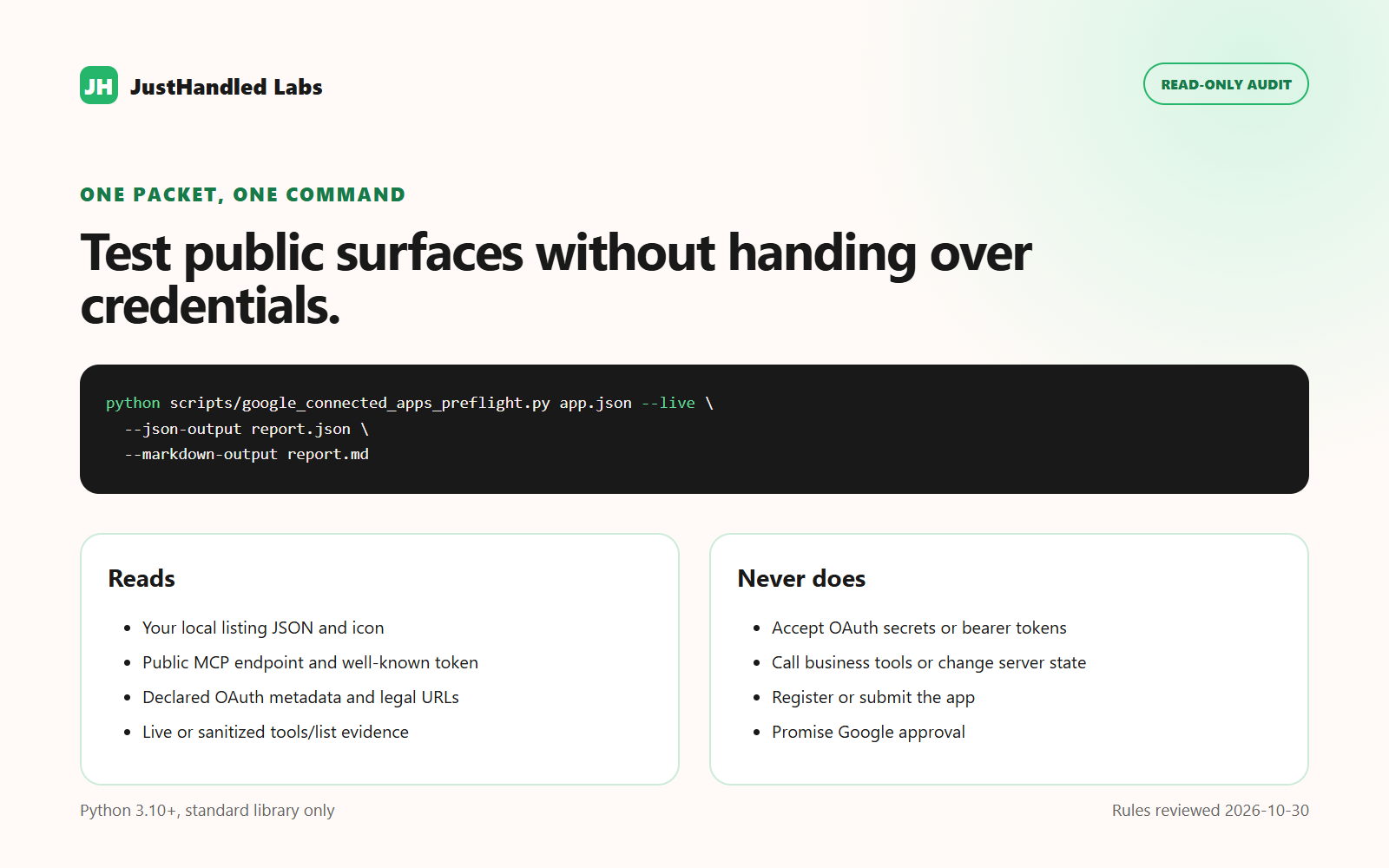
Try this on your own packet
- Test the connection you intend to submit. Record the production HTTPS endpoint and check its Streamable HTTP handshake. An authentication challenge is not evidence that the tools behind it work—or that the server is broken. Leave those tools unverified until an authorized test can exercise them.
- Test the ownership file independently. Google's prerequisites call for the Console-issued JSON challenge at
/.well-known/google-connected-appson the MCP server’s domain. Request that exact address without following redirects. Check both the 200 response and the expected token. A friendly HTML page with a 200 status isn’t the challenge. - Read your examples as Console inputs. The submission walkthrough shows two prompts beginning with
@YourAppNameand another mentioning the app naturally later. Write examples for three jobs your app can actually do. Keep the original text in your packet so someone else can reproduce the check.
The free JustHandled Labs pre-flight gate organizes twelve checks into a report and a checklist. Start with the failures. Give every “can’t verify” an owner and a next test; don’t quietly turn it green.
Then take a real workflow into Gemini Apps Developer Mode to inspect the call and response. The checklist doesn’t exercise business tools, establish preview access, or predict Google’s review decision.